Work / Photo & Video · 2026
Piercings AI
Try any piercing on a selfie, without the needle or the second-guessing.
What it does
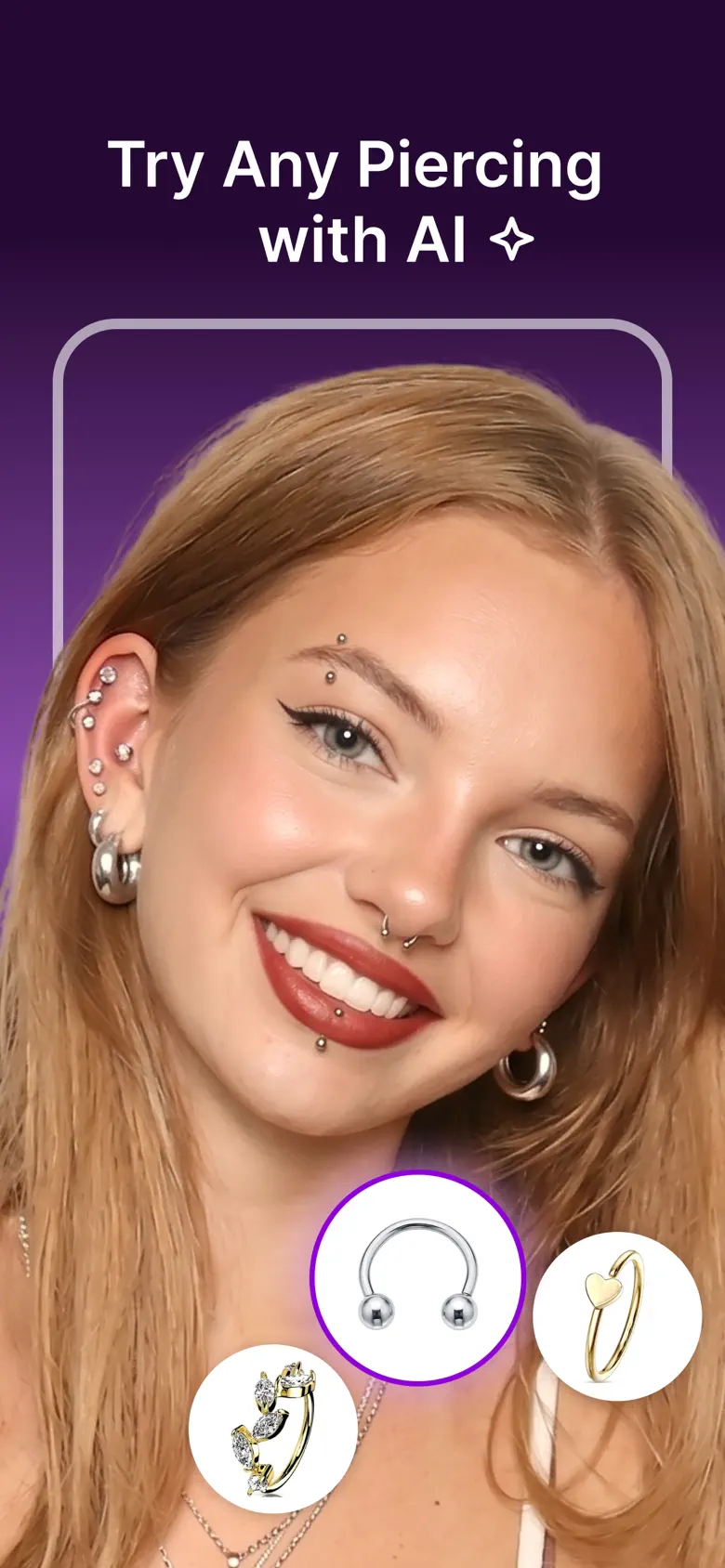
Piercings AI turns any selfie into a virtual piercing studio. Upload a photo, choose where the piercing goes and the jewellery you want, and the AI places it to match the lighting and angle of your face. You walk into the studio knowing exactly what you want.
- ■Try on piercings instantly, with no manual editing or masking
- ■Helix, tragus, daith, septum, nostril, conch, lip, eyebrow, belly and more
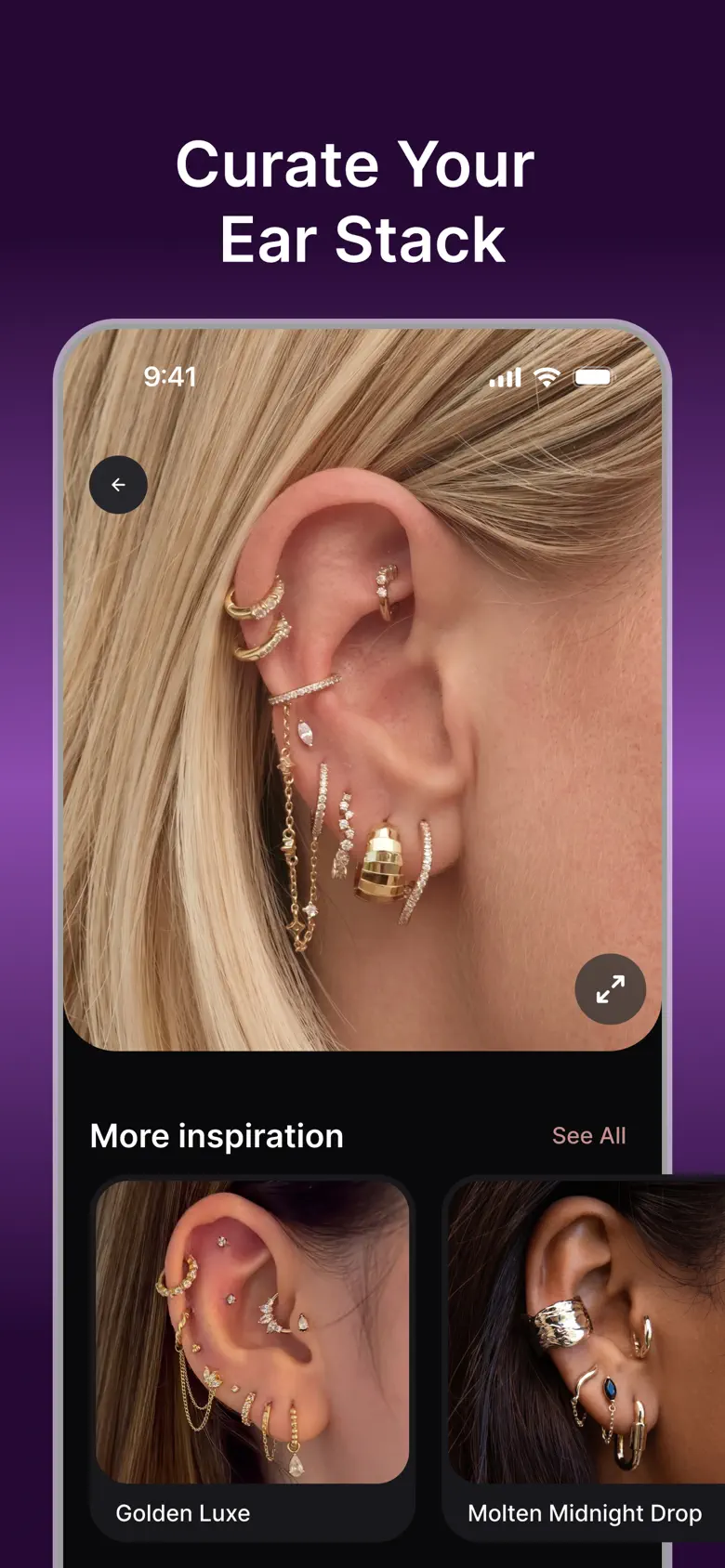
- ■Mix studs, hoops and rings to build an ear stack
- ■Choose material, colour and finish, from gold to titanium
- ■Photo-realistic placement that follows your face
- ■Save looks and share them with friends or your piercer
What Vasoo did
- □Product and UX design
- □Native iOS app
- □Web try-on at piercingsai.com
- □AI placement and rendering pipeline
- □SEO content hub and piercing quizzes
- □Subscriptions and paywall
- □App Store listing in 11 languages
- Store name
- Piercings AI: Try-On Filter
- Platforms
- iOS, Web
- Categories
- Photo & Video, Lifestyle
- Launched
- July 2026
- Version
- 1.0.0 · updated July 2026
- Requires
- iOS 16.4 or later
- Price
- Free with subscription
- Languages
- English, Hindi, Indonesian, Japanese, Korean, Portuguese, Chinese, Spanish, Thai, Turkish, Vietnamese
Inside the app
6 screens from the store
Swipe →
01Try any piercing with AI
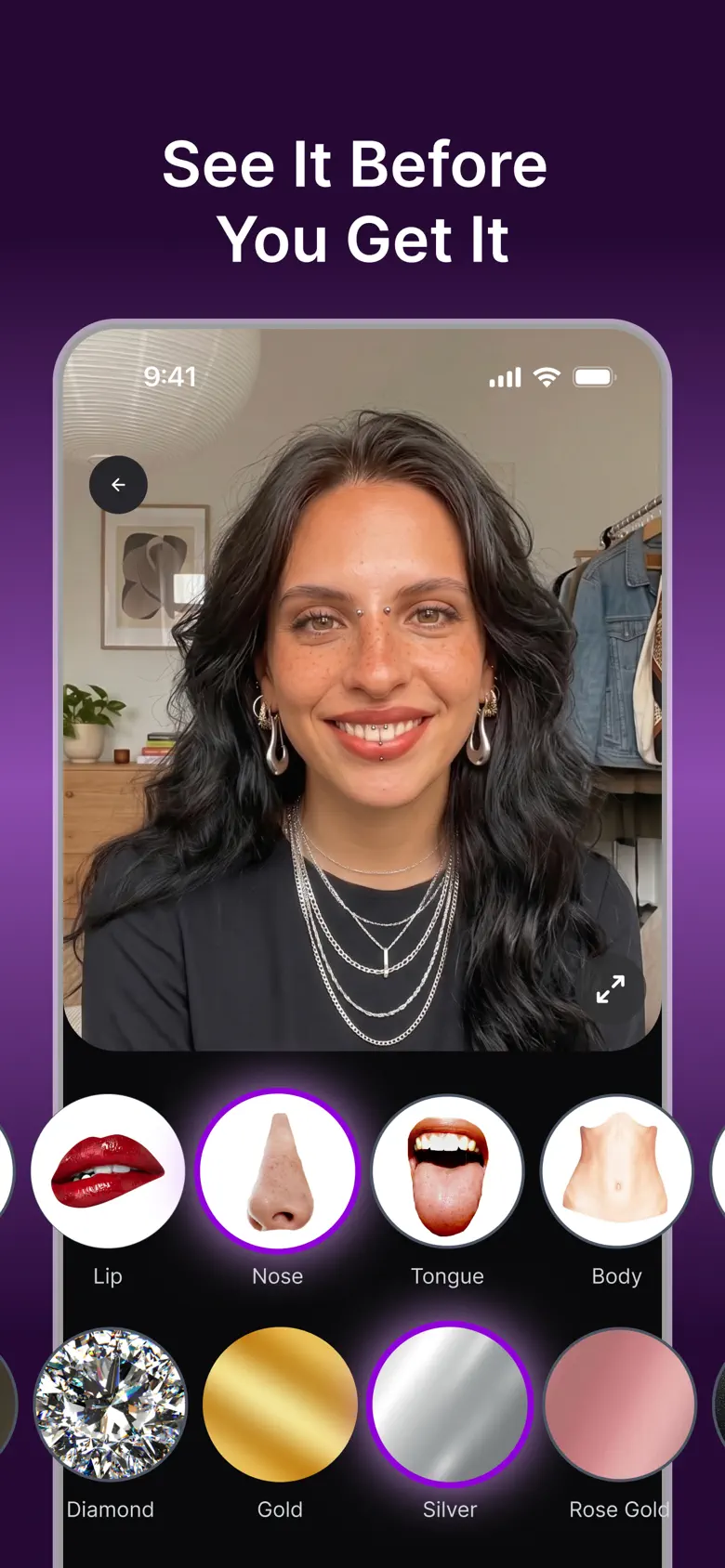
02See it before you get it
03Curate your ear stack
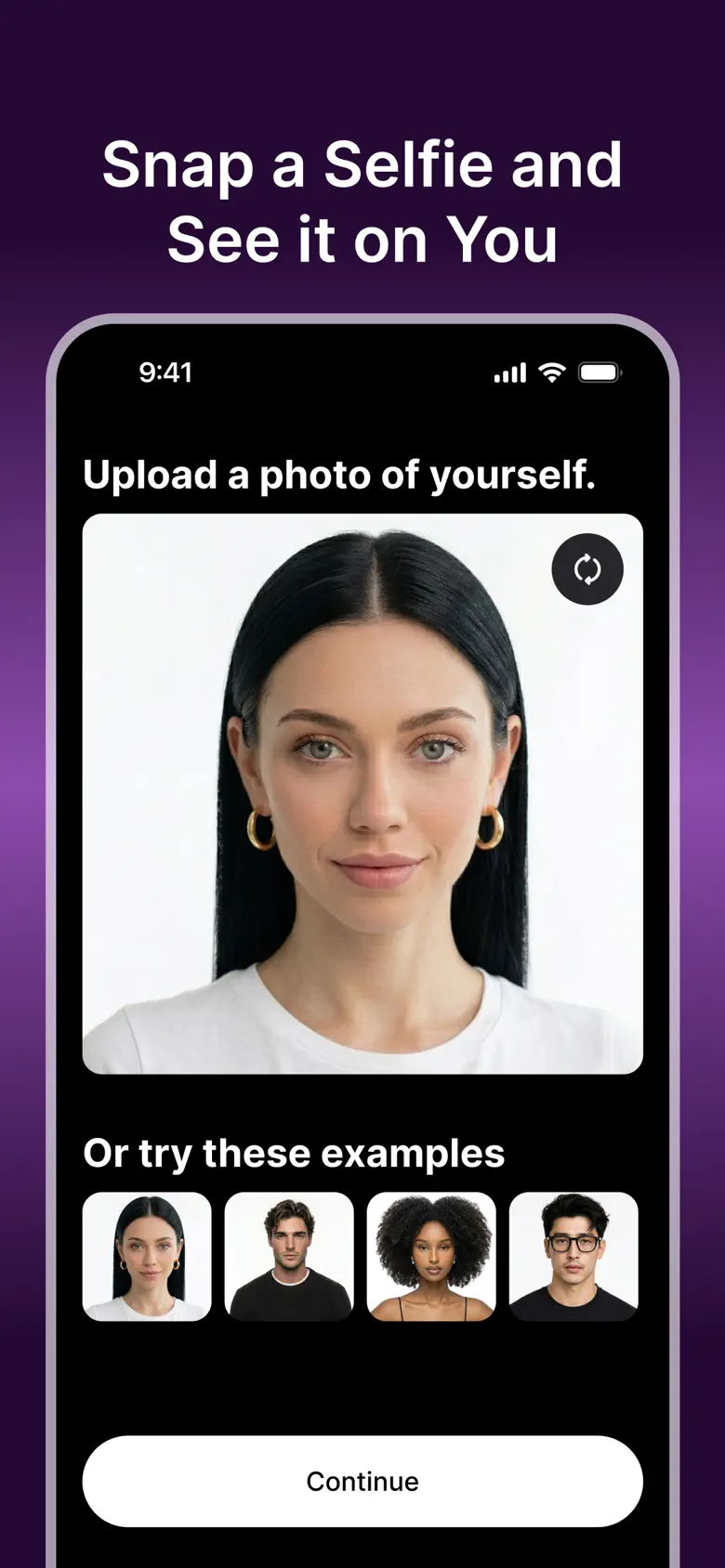
04Snap a selfie and see it on you
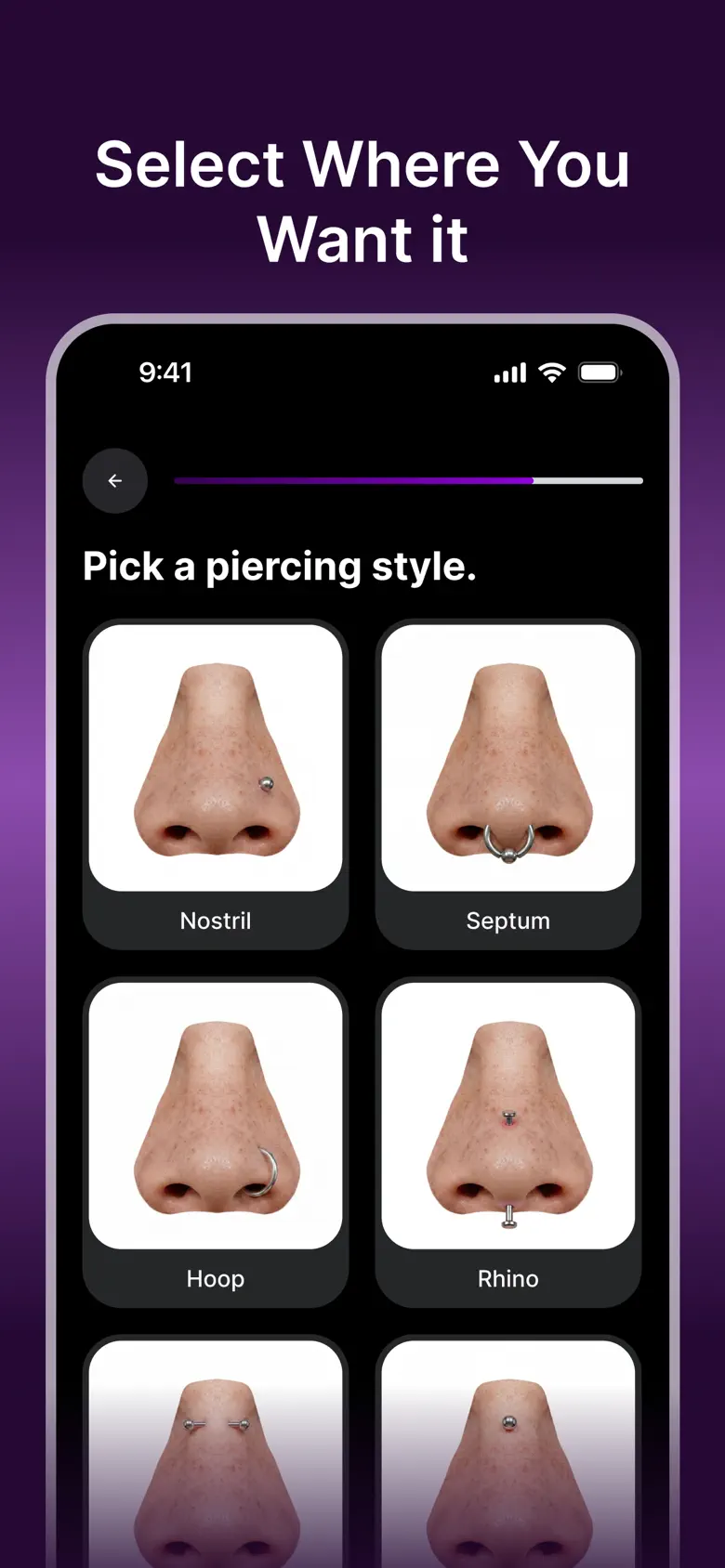
05Select where you want it
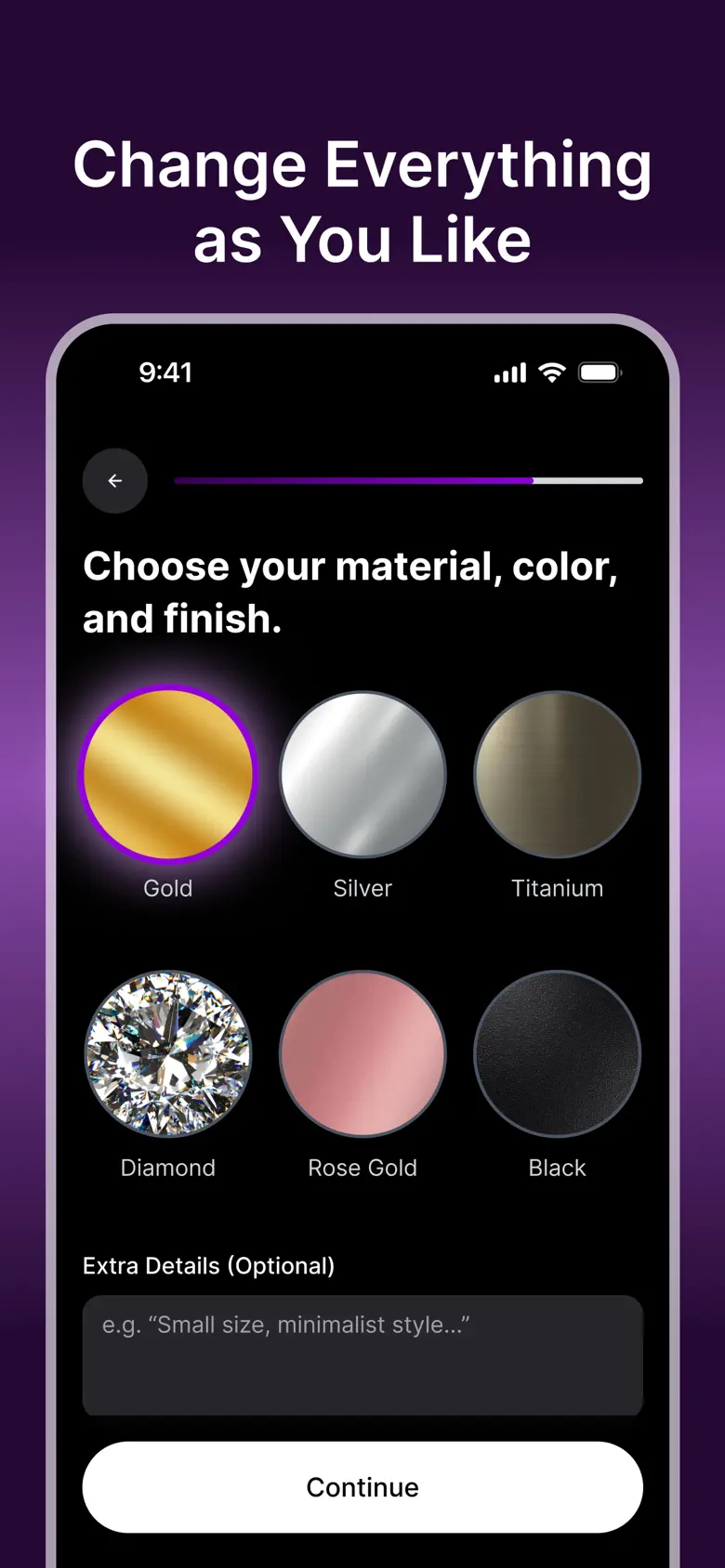
06Change everything as you like
Features
A piercing studio in your pocket
Instant try-on
Upload a selfie and the AI adds realistic piercings and jewellery to your ears, nose, lip and more. No manual editing or masking.
Every placement
Helix, tragus, daith, septum, nostril, conch, lip, eyebrow, belly and more, each with its own jewellery options.
Build your ear stack
Mix and match studs, hoops and rings, then choose gold, silver, titanium, diamond, rose gold or black.
Looks like you
Placement follows your face and matches the lighting and angle of the photo, so the preview is believable.
Save and share
Keep your favourite looks and send them to friends or your piercer before the appointment.
Guides and quizzes
The website pairs the app with piercing guides by placement and face shape, and quizzes such as "What piercing should I get?".
Next
Building something similar?
The same team and process are available for your product. Send a brief and we will reply within two working days.